
The 7 Essential Tools You Need to Start a Contact Center
Start with the right mindset
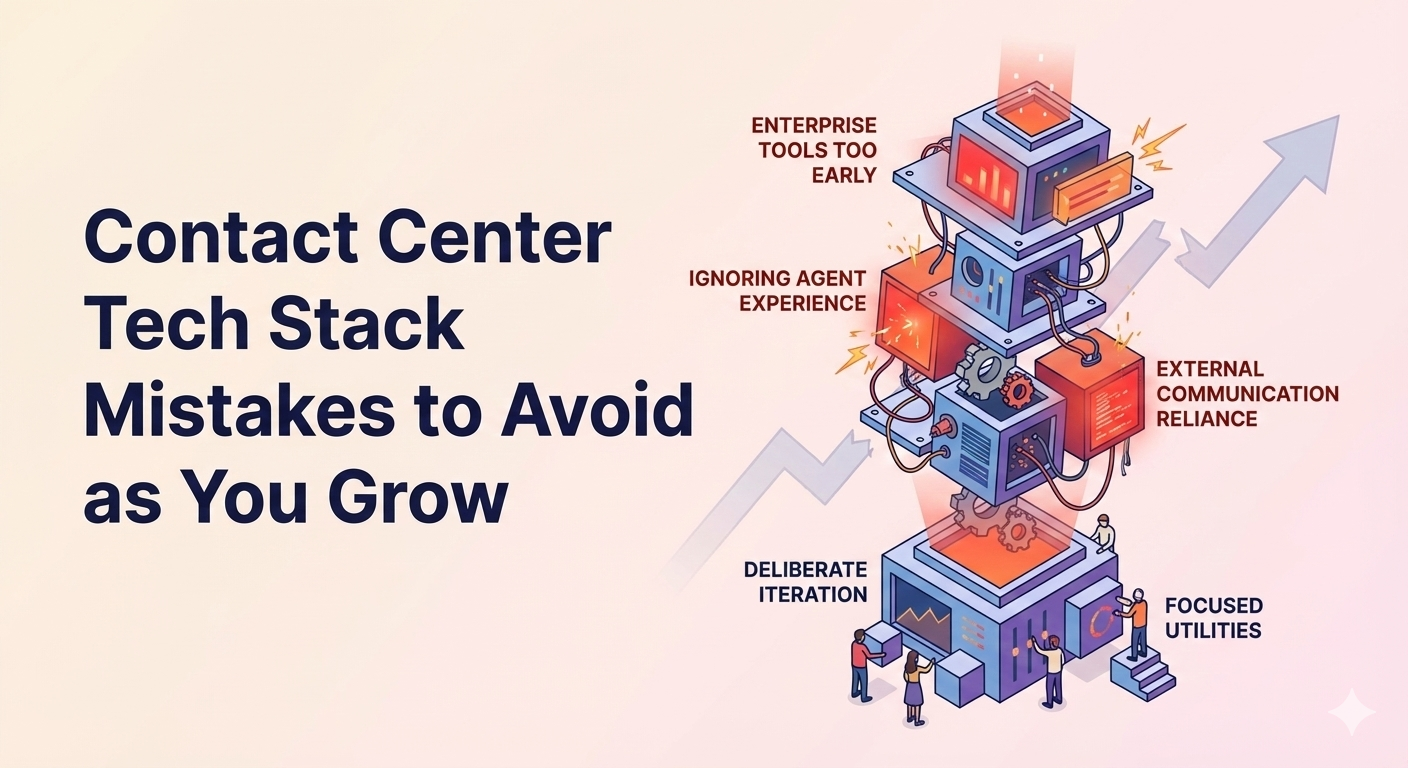
When starting a contact center, the goal is not to buy a full enterprise stack on day one.
The goal is to choose a small set of tools that:
- Cover your core needs
- Integrate cleanly with each other
- Can scale without forcing a rebuild
Below is a simple, opinionated checklist you can follow in order.
1. Ticketing and case management (your foundation)
Recommended starting point: Zendesk
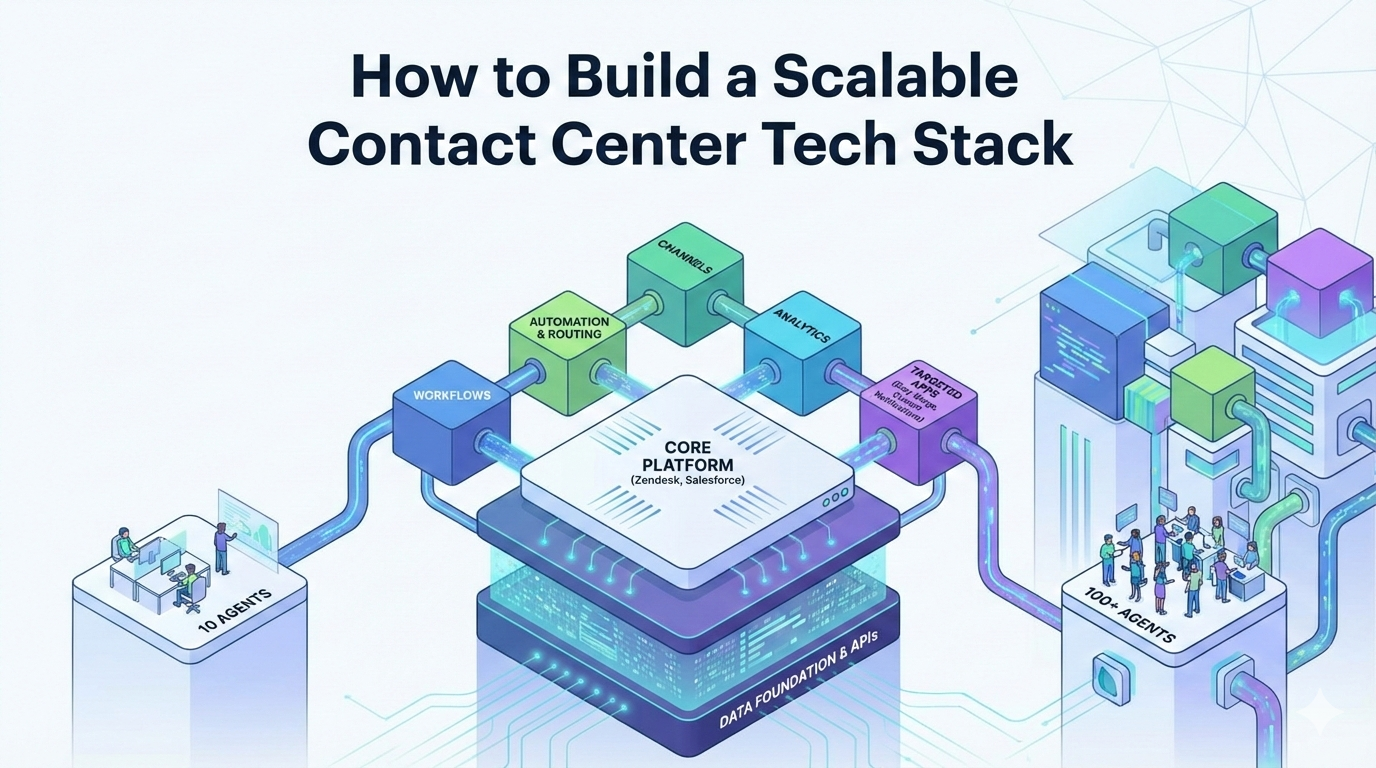
Your ticketing system is the backbone of your contact center. Everything else connects to it.
Zendesk is a strong default choice for most early teams because it:
- Supports email, chat, voice, and social channels
- Is fast to configure and easy for agents to learn
- Scales from a handful of agents to hundreds
- Has a large app marketplace and strong APIs
Alternatives to consider:
- Freshdesk for simpler setups and lower cost
- Kustomer for customer centric, conversation based models
- Salesforce Service Cloud if you already run Salesforce across the business
If you get this choice wrong, every future tool becomes harder to implement. Prioritize flexibility over advanced features.
2. Customer channels: Voice and chat
Recommended approach: Start with chat, add voice when needed
For most early teams, chat provides the fastest path to supporting customers with minimal overhead.
Chat options:
- Zendesk Messaging if you are using Zendesk
- Intercom if product led messaging is core to your experience
- LiveChat for lightweight standalone chat
Voice options:
Whatever you choose, make sure it:
- Natively integrates with your ticketing system
- Automatically creates or updates tickets
- Preserves conversation history in one place
Avoid standalone phone systems that live outside your support workflow.
3. Basic automation and routing
Recommended tools: Built in Zendesk automations and triggers
Before adding third party automation tools, exhaust what your core platform offers.
At a minimum, set up:
- Automatic ticket routing by channel and issue type
- Priority and SLA assignment
- Standardized macros for common responses
This reduces manual work early and creates consistency as new agents join.
4. Workforce basics: Scheduling and coverage
Recommended starting point: Simple and manual
You do not need advanced workforce management software at the beginning.
Start with:
- Shared schedules or spreadsheets
- Basic forecasting using historical ticket volume
- Simple rules for coverage and escalation
Once volume increases and forecasting becomes painful, you can layer in dedicated workforce management tools later.
5. Knowledge, quality, and enablement
Recommended tools: Built in platform features
As soon as you have more than a few agents, consistency becomes critical.
You should have:
- An internal knowledge base for agents
- A public help center for customers
- A lightweight ticket review or QA process
Zendesk Guide and basic QA workflows are usually enough early on.
As the team grows, look to market leaders like MaestroQA.
6. Targeted Zendesk utilities that remove friction
Recommended apps: Easy Merge and Custom Notifications
Once you are live, small inefficiencies start to compound quickly.
Two high impact utilities to add early:
-
Easy Merge
Safely merge duplicate tickets without losing comments, metadata, or context -
Custom Notifications
Deliver full screen, targeted alerts to agents for incidents, outages, or priority customers
These tools improve speed and accuracy without requiring training or process changes.
7. Reporting and data hygiene
Recommended approach: Keep data clean from day one
Even if you are not doing advanced analytics yet, make sure your system:
- Uses consistent fields and values
- Captures required data at ticket creation
- Supports historical reporting and exports
Clean data early enables better staffing, forecasting, and optimization later.
Start small, scale deliberately
The most effective contact centers do not buy everything up front.
They start with:
- A strong ticketing foundation
- Reliable customer channels
- Simple automation
- A few targeted utilities that remove friction
From there, the stack evolves naturally as volume, complexity, and customer expectations grow.