How to Design a Support Playbook for Outages and Major Incidents
How to Design a Support Playbook for Outages and Major Incidents
Outages and major incidents are not a matter of if, but when. Systems fail, integrations break, vendors go down, and traffic spikes in ways no forecast predicted. What separates high performing support teams from overwhelmed ones is not the absence of incidents, but how prepared they are when incidents occur.
A well designed support playbook turns chaos into coordination. It gives agents clarity, leaders confidence, and customers timely, consistent communication. This guide walks through how to design a practical, scalable support playbook for outages and major incidents that actually works under pressure.
What Is a Support Playbook and Why It Matters
A support playbook is a documented, repeatable set of actions your team follows during specific scenarios. For outages and major incidents, it answers critical questions quickly:
- How do we recognize this is a major incident
- Who is responsible for what
- How do we communicate internally and externally
- How do we prevent duplicate work and missed tickets
- How do we know when the incident is resolved
Without a playbook, teams rely on tribal knowledge and ad hoc decisions. This leads to inconsistent responses, slower resolution times, and frustrated customers. With a playbook, teams move faster because decisions are already made.
Step 1: Define What Qualifies as an Outage or Major Incident
The first mistake many teams make is leaving this vague. If everything is urgent, nothing is.
Start by clearly defining severity levels:
- Severity 1: Core functionality unavailable for many customers
- Severity 2: Key features degraded or limited to a subset of customers
- Severity 3: High impact events without a full outage
For each severity, document impact criteria, expected response time, and required stakeholders. Clear definitions are the foundation of a strong incident management process and remove debate in the moment.
Step 2: Assign Clear Roles and Ownership
During a major incident, ambiguity is expensive. Your playbook should define roles, not individuals.
Common roles include:
- Incident Commander
- Support Lead
- Engineering Liaison
- Communications Owner
- Executive Stakeholder for high severity incidents
Document responsibilities and decision rights. One owner per role prevents conflicting actions and messaging and keeps the incident management process moving forward.
Step 3: Standardize Internal Communication
Internal confusion often slows resolution more than the technical issue itself.
Specify where incident communication lives, what must be shared at kickoff, and the update cadence as part of your incident management process.
A simple kickoff template:
- What is happening
- When it started
- Who is affected
- Known workaround
- Next update time
This keeps teams aligned and reduces repeated questions.
Step 4: Use Incident Management Tools to Orchestrate the Response
Purpose built incident management tools help teams move faster and stay coordinated.
PagerDuty ensures the right on call responders are alerted based on service ownership and severity. Your playbook should define when incidents are paged, who acknowledges them, and escalation expectations.
FireHydrant coordinates response and documentation. It helps teams declare incidents, assign roles, track timelines, and produce post incident reviews with minimal overhead.
Support teams should understand how these tools fit into the broader incident management process, even if they are not the primary operators.
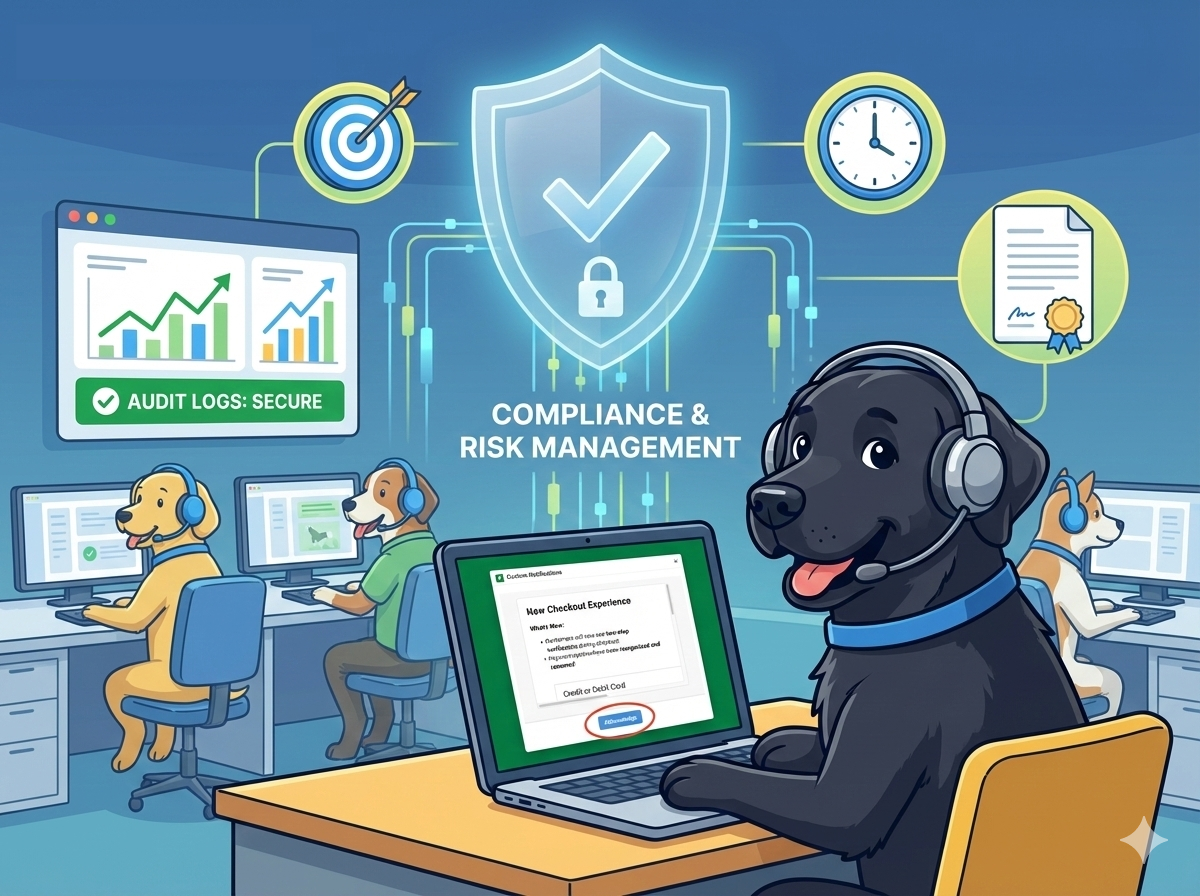
Step 5: Control Agent Behavior with Targeted In App Notifications
Agents need clear guidance inside their workflow during major incidents.
Targeted in app notifications can:
- Alert agents that a major incident is active
- Require acknowledgement of guidance
- Provide approved macros or response instructions
- Update agents as messaging evolves
Unlike chat or email, these notifications are visible at the moment of action. Tools like Custom Notifications for Zendesk ensure agents stay aligned and customers receive consistent messaging.
Your playbook should define ownership, timing, and required agent actions within the incident management process.
Step 6: Triage and Ticket Handling Rules
Ticket volume often spikes during outages and major incidents.
Define rules for:
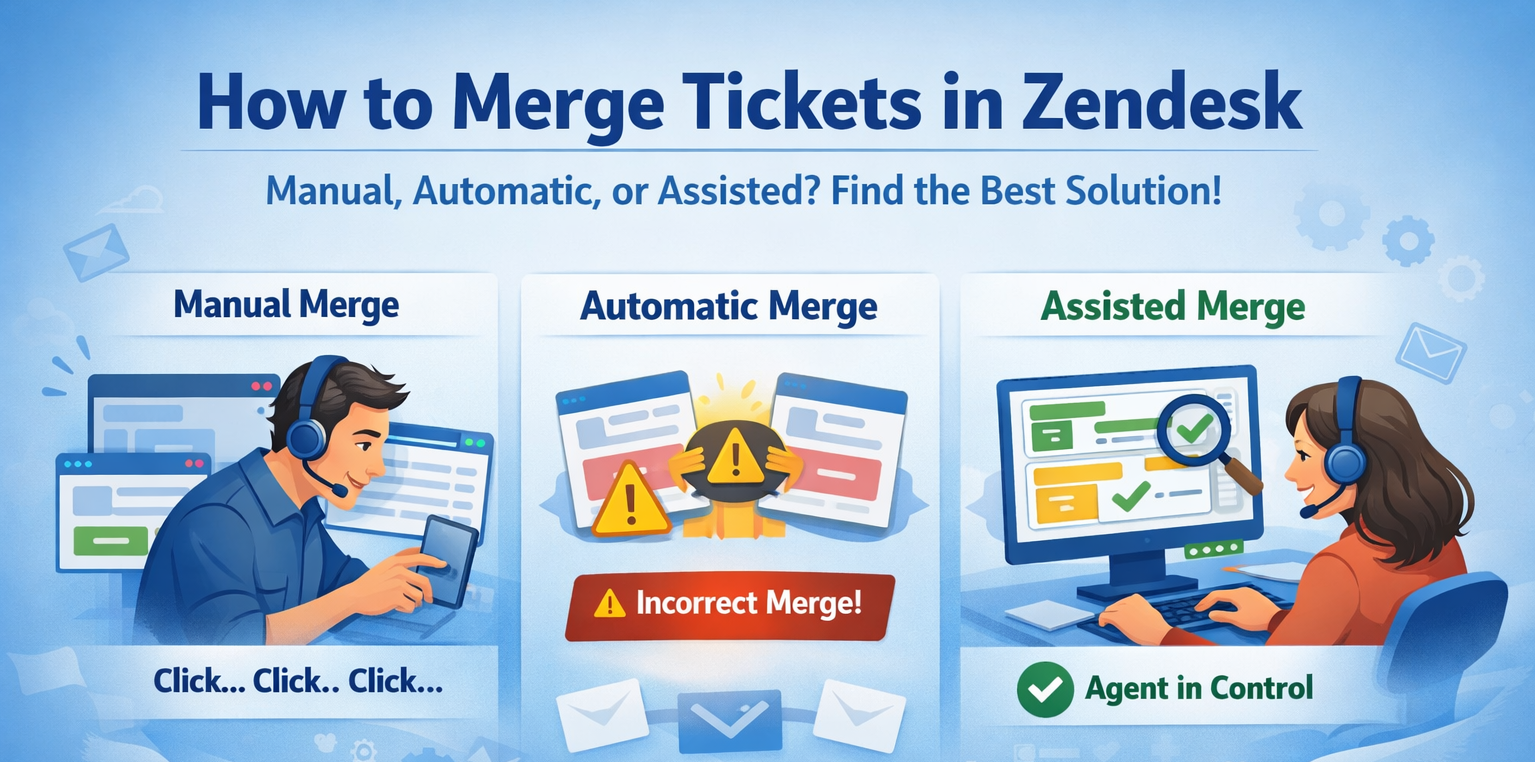
- Merging or tagging tickets
- Required macros per severity
- When to pause individual troubleshooting
Clear triage rules protect agent focus, reduce noise, and support a consistent incident management process.
Step 7: Define Resolution and Recovery Criteria
Resolution must be deliberate.
Specify:
- What confirms recovery
- Who declares resolution
- How customers are notified
Avoid premature closure, which erodes trust and creates confusion across teams.
Step 8: Run Fire Drills to Validate the Playbook
A playbook that has never been tested is a liability.
Fire drills simulate outages or major incidents in a controlled environment. They allow teams to practice roles, communication, and tooling before a real incident occurs.
Effective fire drills:
- Use realistic scenarios rather than edge cases
- Involve support, engineering, and leadership
- Test alerting, notifications, and escalation paths
- Reveal unclear ownership or outdated documentation
After each drill, capture what broke down and update the playbook immediately. Regular fire drills strengthen the incident management process and build confidence.
Step 9: Pull Incident Data for Engineering and Partner Teams
Major incidents generate valuable data that should not live only in post incident reviews.
Your playbook should define how incident data is captured and shared with engineering, product, and partner teams as part of the incident management process.
Key data to collect includes:
- Incident timeline and duration
- Root cause and contributing factors
- Ticket volume and contact drivers
- Customer impact by segment or region
- Agent actions, macros used, and escalation paths
Tools like FireHydrant can export incident timelines and notes, while Zendesk reporting can provide ticket and customer impact data. Combining these views helps teams understand real customer impact and prevent repeat incidents.
Step 10: Post Incident Review and Continuous Improvement
Every outage, major incident, and fire drill should feed improvement.
Document:
- What worked well
- Where confusion occurred
- Tooling or process gaps
Use this feedback to evolve the playbook, refine the incident management process, and improve readiness over time.
Final Thoughts
A support playbook is a living system that connects people, tools, and communication under pressure.
The strongest playbooks combine clear severity definitions, ownership, a well defined incident management process, modern tools like PagerDuty and FireHydrant, targeted in app notifications for agents, structured data sharing with partner teams, and regular fire drills.
When preparation meets execution, outages and major incidents become manageable events instead of organizational failures.